Understanding Home Internet Channels
In 2026, having a seamless and efficient home internet setup is crucial for homeowners in Fort Collins, Colorado. As the digital landscape evolves, understanding how to optimize your home internet channels can significantly improve your connectivity and overall online experience. This guide aims to provide beginner-friendly insights into setting up and managing your home internet channels effectively.
What Are Internet Channels?
Internet channels, often referred to as broadband channels, are pathways through which information is transmitted between your home network and the internet. These channels determine the speed and reliability of your internet connection. Setting up these channels correctly ensures that your devices can communicate with the internet without interruptions.
Steps to Set Up Your Home Internet Channels
1. Choose the Right Internet Service Provider (ISP)
Begin by selecting an ISP that offers reliable service in Fort Collins. Consider factors such as speed, customer service, and pricing. Popular ISPs in the area include Comcast Xfinity, CenturyLink, and local providers like Fort Collins Connexion, which offer competitive packages tailored to residential needs.
2. Optimize Your Router Placement
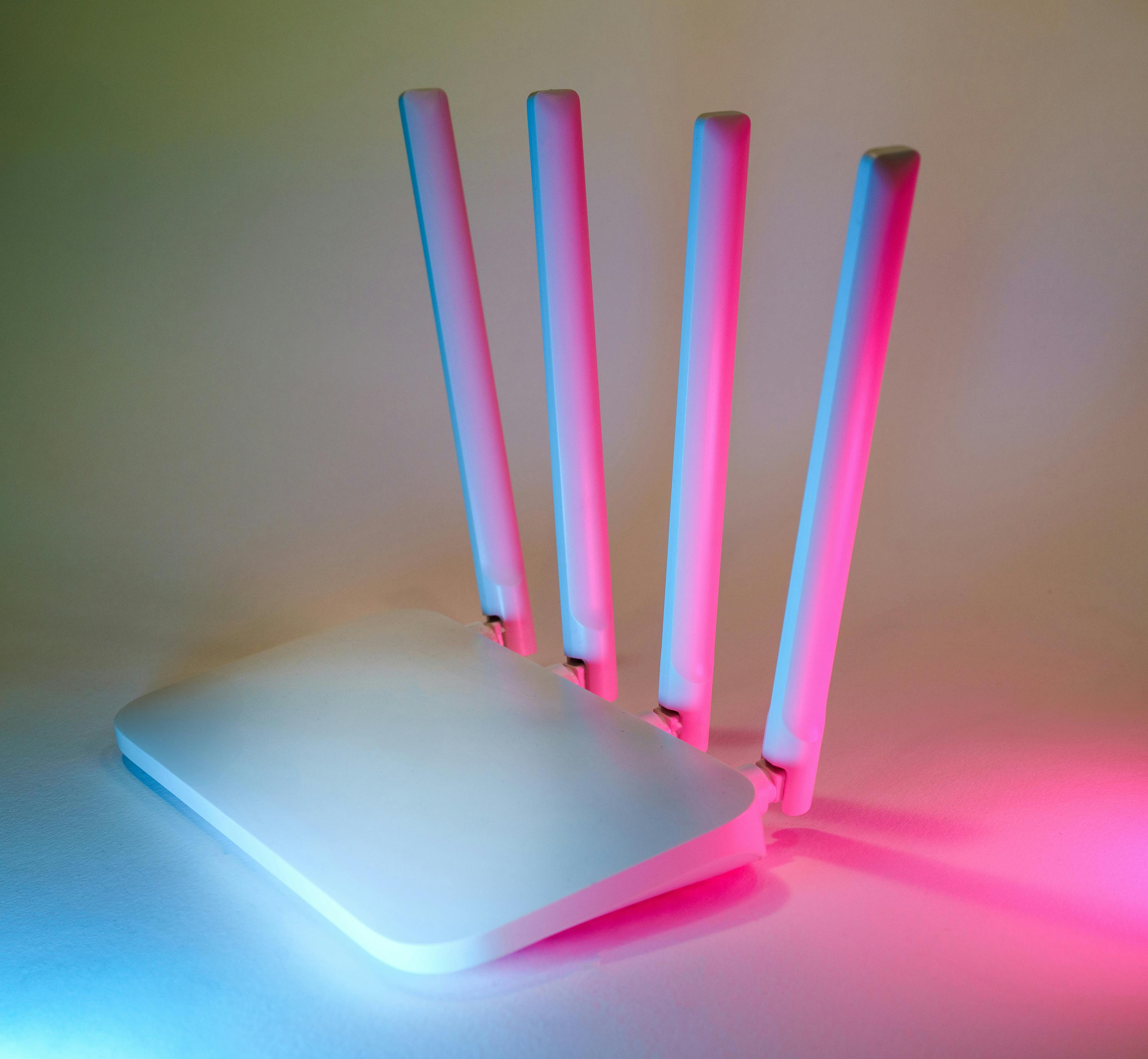
Router placement plays a critical role in channel performance. Place your router in a central location, away from walls and obstructions, to ensure even coverage throughout your home. Avoid placing it near large metal objects or appliances that can interfere with the signal.
3. Configure Your Wi-Fi Channels
Most routers support multiple frequency bands, typically 2.4 GHz and 5 GHz. The 2.4 GHz band offers wider coverage but may experience more interference, while the 5 GHz band provides faster speeds with a shorter range. Configure your router to use the appropriate channels for your needs, and consider using tools like Wi-Fi analyzers to identify the least congested channels.
Enhancing Your Internet Performance
4. Secure Your Network
Security is paramount when setting up your home internet channels. Ensure your router's firmware is up to date, and use strong, unique passwords for both your network and admin settings. Enable WPA3 encryption for enhanced security.
5. Manage Bandwidth Usage
Understanding bandwidth usage can help improve your network's efficiency. Prioritize devices and applications that require more bandwidth, such as streaming services or video conferencing tools, through Quality of Service (QoS) settings available in most modern routers.
6. Consider Mesh Networks for Larger Homes
If you have a larger home or multiple floors, a single router may not provide adequate coverage. Consider investing in a mesh network system, which uses multiple nodes to ensure seamless connectivity throughout your home.
Troubleshooting Common Issues
7. Identifying Connection Problems
Common issues like slow speeds or dropped connections can often be resolved by resetting your router or checking for firmware updates. If problems persist, contact your ISP for support.
8. Dealing with Interference
Interference from other electronic devices can affect channel performance. Reduce interference by keeping your router away from microwaves, cordless phones, and baby monitors. Additionally, consider using wired connections for critical devices when possible.
Conclusion: Enjoying Seamless Connectivity
By following these steps, homeowners in Fort Collins can set up their home internet channels with confidence. Whether you're working from home, streaming your favorite shows, or enjoying online gaming, optimizing your internet channels will enhance your overall experience. For more personalized advice, consider consulting with local experts or contacting Killen Advisors for professional channel management services.
Stay connected, Fort Collins!